
Symptoms: get Unknown Publisher error after trying to update Vitals Mobile
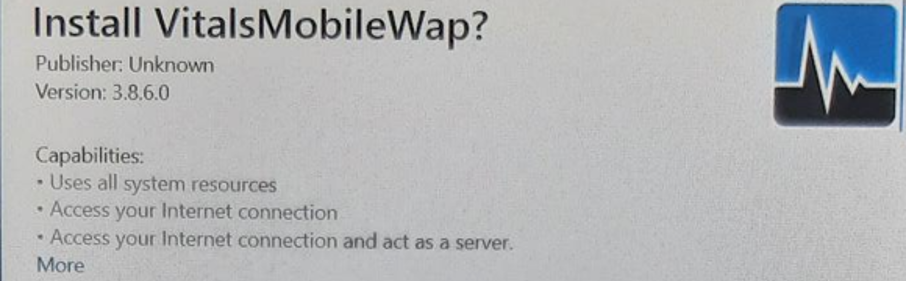
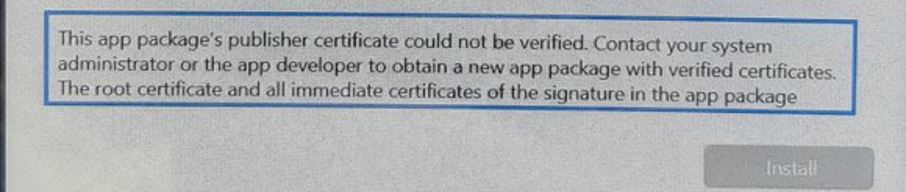
Issue: Out of date controllers that have not done Microsoft Updates in a while do not recognize the Publisher for the app, so it tries to flag it.
Solution: Install all available Microsoft Updates:
Connect to the internet and then click Windows/Start button, then click Settings, then click Update and security, then click Windows Update. Then click Check for Updates and install all available updates. Will have to restart the controller a couple times to install updates.
After installing updates, try updating Vitals Mobile again by running the downloaded file in the C:\VitalsMobile3.8 folder (if you clicked Check for Update within Vitals Mobile). Otherwise you can manually download the file from our website here: Software Downloads - Wachs Utility Products - The Valve Maintenance Experts™
The file needed is Vitals Mobile TC 3.8.8 or whichever newer version is available.