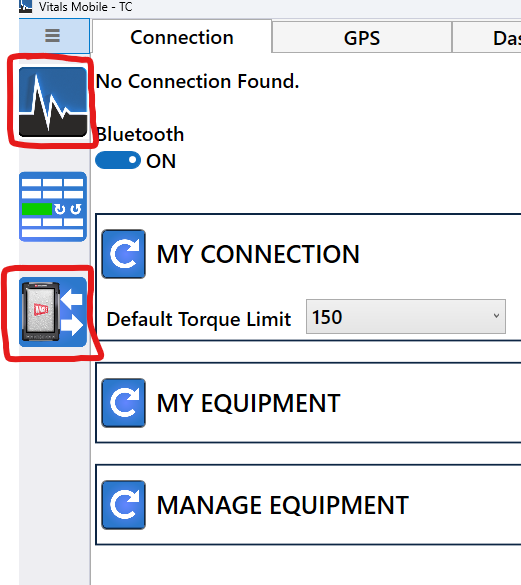
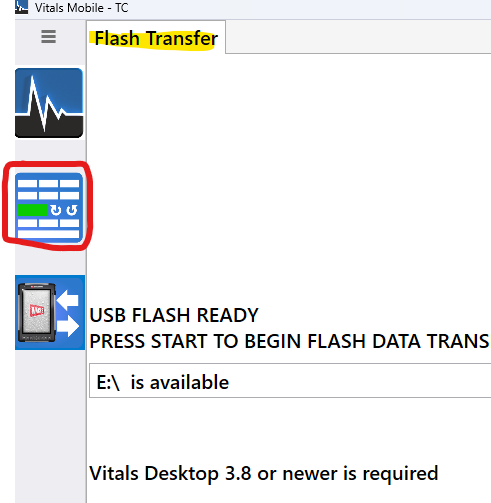
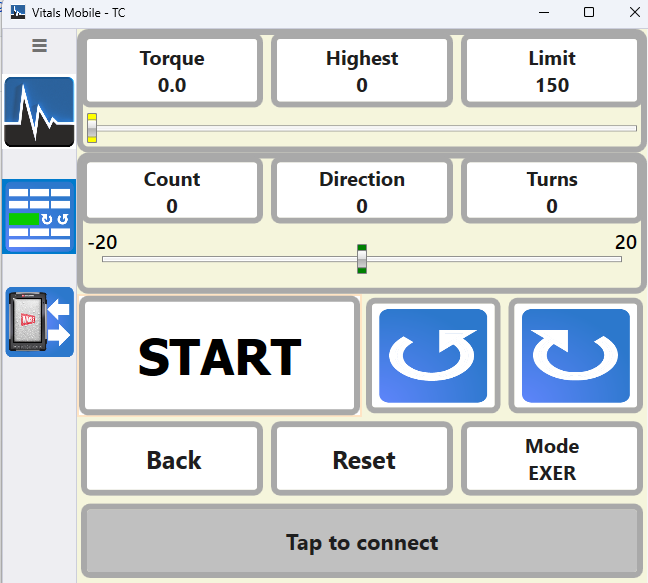
ISSUE: When in the Settings Connection page, clicking the Controller button on the left menu does not work. Seems to works after first time the app is launched, but a second time the controller button is pressed from the Settings Connection page it will not work.
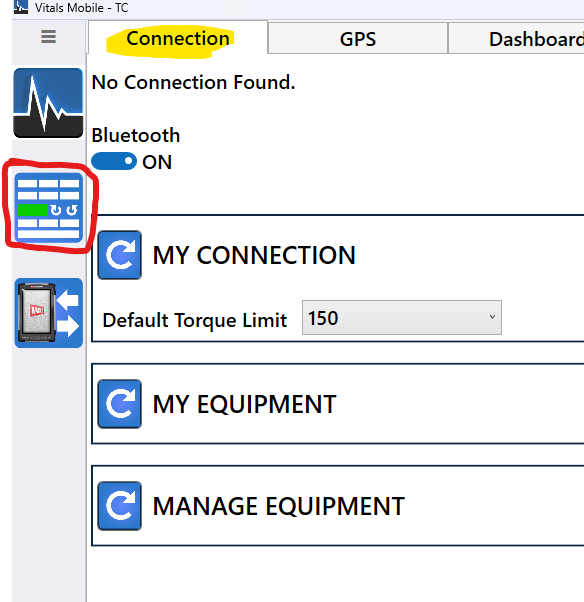
REMEDY: To go to the controller screen by clicking the controller button, first go to the Dashboard/Home page (by clicking the top button on the left menu) or the FlashTransfer page and then click the controller button from either of those pages, then it will work. Known issue that will be fixed on a future update.